EnvSync: An Encrypted Environment Vault Built for Developers
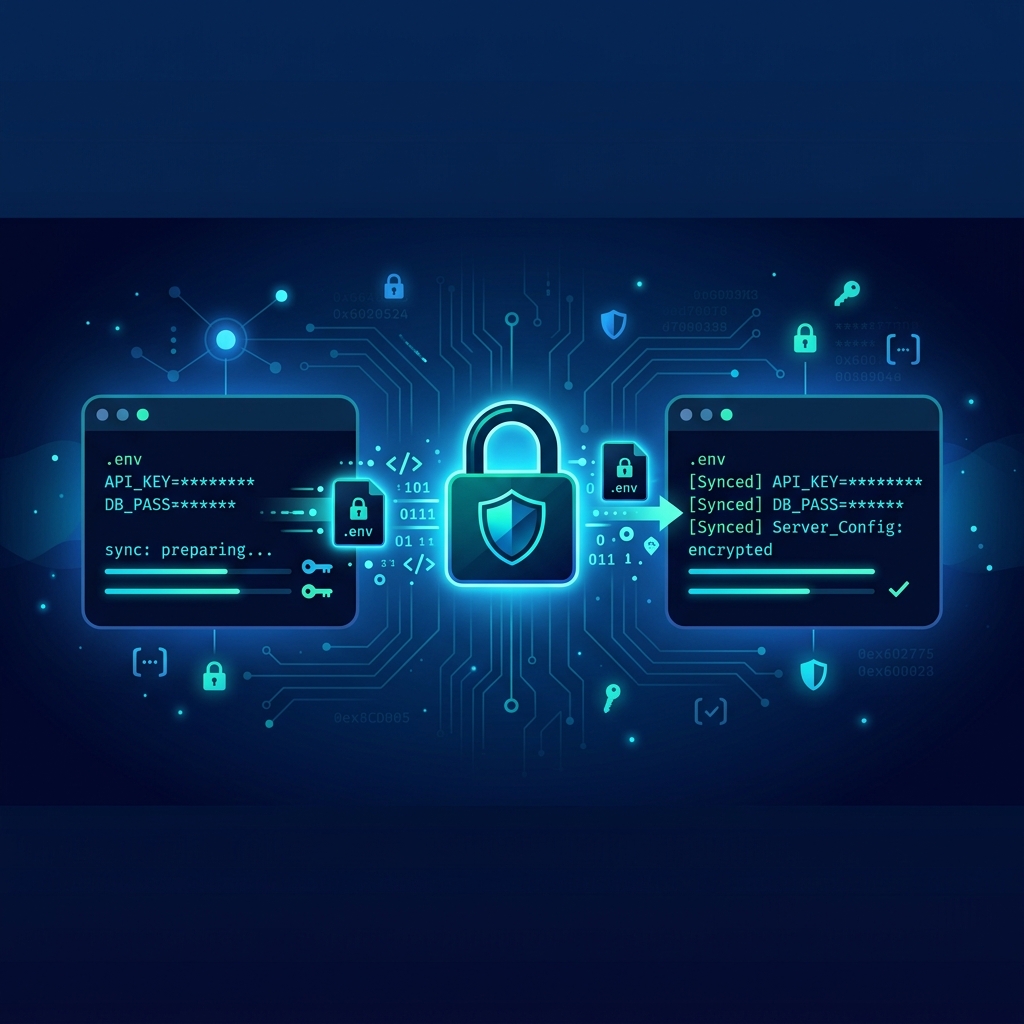
We always strive to make tools for users, and many are the times we forget to solve for ourselves first as Developers. That’s why I decided to create EnvSync.
If you work on a team that juggles multiple environments, microservices, and CI/CD pipelines, you know the pain of managing .env files. Slack messages with API_KEY=... and DEBUG=false, shared notes that never get updated, and that one staging.env file that somehow made it to production. Secrets sprawl is real, and the existing solutions often swing between overcomplicated (HashiCorp Vault, Doppler) and dangerously insecure (plaintext .env in Git).
EnvSync is an encrypted environment vault built specifically for developers who want to store, pull, and compare .env files without exposing plaintext on the server. It’s intentionally simple, with a tiny surface area, and it keeps your secrets where they belong—encrypted locally and decrypted only on your machine.
The Core Idea
EnvSync works like this:
- You have a local
.envfile with your project secrets. - The CLI encrypts that file using a passphrase you provide.
- The backend stores only the ciphertext and the names of the keys (not their values).
- When you pull, you get the encrypted blob and decrypt it locally with the same passphrase.
- Drift detection compares key names on both sides without ever decrypting server data.
The server never sees your passphrase. It never sees plaintext secrets. And it doesn’t need to.
Why Not Just Use Something Else?
There are great secret management tools out there. Doppler, Vault, AWS Secrets Manager, and even 1Password CLI. But they often come with heavy dependencies, paid tiers, or complex setup. EnvSync is designed for the small-to-medium team that wants something dead simple: a CLI, a tiny backend you can self-host or run locally, and a workflow that fits naturally alongside Git branches.
It’s also a learning vehicle—you can see exactly how encryption, JWT auth, and drift detection are implemented. The entire codebase is under 1,000 lines of Python.
Under the Hood: Project Layout
Here’s what the repository looks like today:
1
2
3
4
5
6
7
8
9
10
11
12
13
14
15
16
17
envsync/
├─ backend/
│  └─ app/
│     ├─ auth.py
│     ├─ audit.py
│     ├─ crypto.py
│     ├─ db.py
│     ├─ main.py
│     ├─ models.py
│     └─ routes/
│        └─ env.py
├─ cli/
│  └─ envsync/
│     └─ main.py
├─ tests/
├─ pyproject.toml
└─ README.md
- backend/ – FastAPI server with routes for push, pull, and diff.
- cli/ – Click-based CLI that talks to the backend.
- tests/ – Full test suite covering both sides.
The backend currently uses an in-memory store so you can exercise everything without spinning up MongoDB. This is perfect for local development and evaluation.
Getting Started in 5 Minutes
You’ll need Python 3.14+ and Git (for branch auto-detection). Here’s how to get EnvSync running locally.
1. Clone and Install
1
2
3
4
5
git clone https://github.com/yourusername/envsync
cd envsync
python -m venv .venv
.\.venv\Scripts\Activate.ps1
python -m pip install -e .[dev]
2. Run the Tests (Optional but Encouraged)
1
pytest
All tests should pass. This verifies your environment is set up correctly.
3. Start the API Server
You need a JWT secret for token generation. In PowerShell:
1
2
3
$env:ENVSYNC_JWT_SECRET = "test-secret-key-32-chars-minimum"
$env:ENVSYNC_JWT_ALGORITHM = "HS256"
uvicorn backend.app.main:app --reload
The server runs at http://127.0.0.1:8000.
4. Generate a Test JWT Token
Open a second terminal and run:
1
2
3
4
5
6
7
8
9
python -c "
import jwt
token = jwt.encode({
    'email': 'dev@example.com',
    'role': 'owner',
    'project_ids': ['project-123']
}, 'test-secret-key-32-chars-minimum', algorithm='HS256')
print(token)
"
Copy the output token string. You’ll use it to authenticate CLI requests.
5. Configure the CLI
Set environment variables for the CLI:
1
2
3
$env:ENVSYNC_API = "http://127.0.0.1:8000"
$env:ENVSYNC_TOKEN = "Bearer eyJhbGciOiJIUzI1NiIsInR5cCI6IkpXVCJ9..."
$env:ENVSYNC_PASS = "your-local-passphrase"
6. Define Your Project
In the root of your repository, create a .envsync.json file:
1
2
3
{
  "project_id": "project-123"
}
7. Push Your First .env File
Create a sample .env file:
API_KEY=abc123
DEBUG=true
DATABASE_URL=postgres://localhost/mydb
Now push it to the server:
1
envsync push --branch main
The CLI detects your Git branch automatically, but you can override with --branch.
Behind the scenes, here’s what happens:
- The CLI reads the
.envfile. - It encrypts the entire content using the passphrase from
ENVSYNC_PASS. - It extracts the key names (
API_KEY,DEBUG,DATABASE_URL) as metadata. - It sends the ciphertext and key names to the backend endpoint
POST /env/project-123/main.
8. Pull the Latest .env
To retrieve the latest encrypted file for the branch:
1
envsync pull --branch main
This decrypts the blob and writes .env locally.
9. Check for Drift
Maybe a teammate added a new required variable or removed an old one. Run:
1
envsync diff --branch main
You’ll see output like:
1
2
3
4
5
6
Local keys (3):  API_KEY, DEBUG, DATABASE_URL
Server keys (4): API_KEY, DEBUG, DATABASE_URL, STRIPE_SECRET

Missing locally: STRIPE_SECRET
Extra locally:   None
In sync?         False
The diff command only compares key names—no secrets leave your machine.
How Encryption Works
EnvSync uses Python’s cryptography library with Fernet (symmetric encryption). The passphrase you provide is run through a key derivation function (PBKDF2) to produce a Fernet key. The same passphrase is required for decryption.
Here’s a simplified version of the core encryption logic:
1
2
3
4
5
6
7
8
9
10
11
12
13
14
15
16
17
18
19
20
import base64
from cryptography.fernet import Fernet
from cryptography.hazmat.primitives import hashes
from cryptography.hazmat.primitives.kdf.pbkdf2 import PBKDF2HMAC

def derive_key(passphrase: str, salt: bytes) -> bytes:
    kdf = PBKDF2HMAC(
        algorithm=hashes.SHA256(),
        length=32,
        salt=salt,
        iterations=480000,
    )
    return base64.urlsafe_b64encode(kdf.derive(passphrase.encode()))

def encrypt_content(passphrase: str, plaintext: str) -> dict:
    salt = os.urandom(16)
    key = derive_key(passphrase, salt)
    f = Fernet(key)
    ciphertext = f.encrypt(plaintext.encode())
    return {"ciphertext": ciphertext.decode(), "salt": salt.hex()}
The salt is stored alongside the ciphertext so that the same passphrase can regenerate the key.
JWT Authentication and RBAC
All API routes require a Bearer token. The token includes:
1
2
3
4
5
{
  "email": "dev@example.com",
  "role": "owner",
  "project_ids": ["project-123"]
}
Roles are simple but effective:
- owner: full read/write/admin on all projects.
- developer: read/write on assigned projects.
- readonly: read-only on assigned projects.
This makes it easy to integrate with an existing identity provider later. For now, you generate tokens manually or via a script.
Security Model: What the Server Never Sees
EnvSync was built with a strict “trust no one” philosophy toward the backend. The server:
- Never receives the passphrase.
- Never sees plaintext environment values.
- Stores only ciphertext blobs and key name lists.
- Logs audit events separately for tracking changes.
Even if the server is compromised, attackers gain only encrypted blobs. Without the passphrase, they’re useless.
Development Roadmap and Current State
The project is in an early phase, but it’s fully functional for small teams. The in-memory database is a deliberate choice to lower the barrier to entry. Future phases may include:
- Persistent storage with MongoDB or PostgreSQL.
- Web dashboard for viewing drift and audit logs.
- Team invite flows and automatic token issuance.
- Integration with popular secret backends (Azure Key Vault, AWS KMS) for passphrase storage.
But the current simplicity is a feature, not a bug. You can run the backend locally, on a small VPS, or even as a serverless function.
Best Practices When Using EnvSync
- Never commit your
.envfile. The CLI will always write it locally after a pull. - Rotate your passphrase periodically. Since the passphrase is the only thing protecting your secrets, change it when team members leave.
- Use strong passphrases. A password manager works great here.
- Treat
.envsync.jsonas public. It only contains the project ID, which is not sensitive. - Monitor audit events. The backend records who pushed what and when.
How to Contribute
EnvSync is open source and welcomes contributions. Whether you’re fixing a typo, adding a new feature, or improving documentation, here’s how to get involved.
Setting Up a Development Environment
- Fork the repository on GitHub.
- Clone your fork locally.
- Create a virtual environment and install in editable mode with dev dependencies:
1
2
3
python -m venv .venv
.\.venv\Scripts\Activate.ps1
python -m pip install -e .[dev]
- Make your changes on a feature branch.
- Write tests for any new functionality. We aim for high test coverage.
- Run the full test suite with
pytest. - Submit a pull request against the main branch.
Contribution Guidelines
- Follow PEP 8 style guidelines.
- Keep the codebase simple—avoid over-engineering.
- Update the README and this blog if you change user-facing behavior.
- Add an audit event for any action that modifies state.
- For new routes or CLI commands, include a test that exercises the happy path and error cases.
Areas Where Help is Needed
- Database adapters: Replace the in-memory store with MongoDB or SQLite.
- Auth enhancements: Add support for OAuth2 providers (GitHub, Google).
- Web UI: A simple dashboard to view project activity.
- Packaging: Docker images, Homebrew formula, or a single binary distribution.
If you have an idea, open an issue to discuss it before diving into code. We’re friendly and happy to help newcomers.
Closing Thoughts
EnvSync started as a personal itch: I wanted a way to sync .env files across my team without adding another complex service to our stack. It turned into a lightweight, secure, and developer-friendly tool that I now use daily.
Give it a try. Install it, push a test .env, and see how drift detection can save you from the dreaded “it works on my machine” conversations. And if you find it useful, consider contributing back. Let’s make environment management something we never have to think about again.